XORAYA SDK
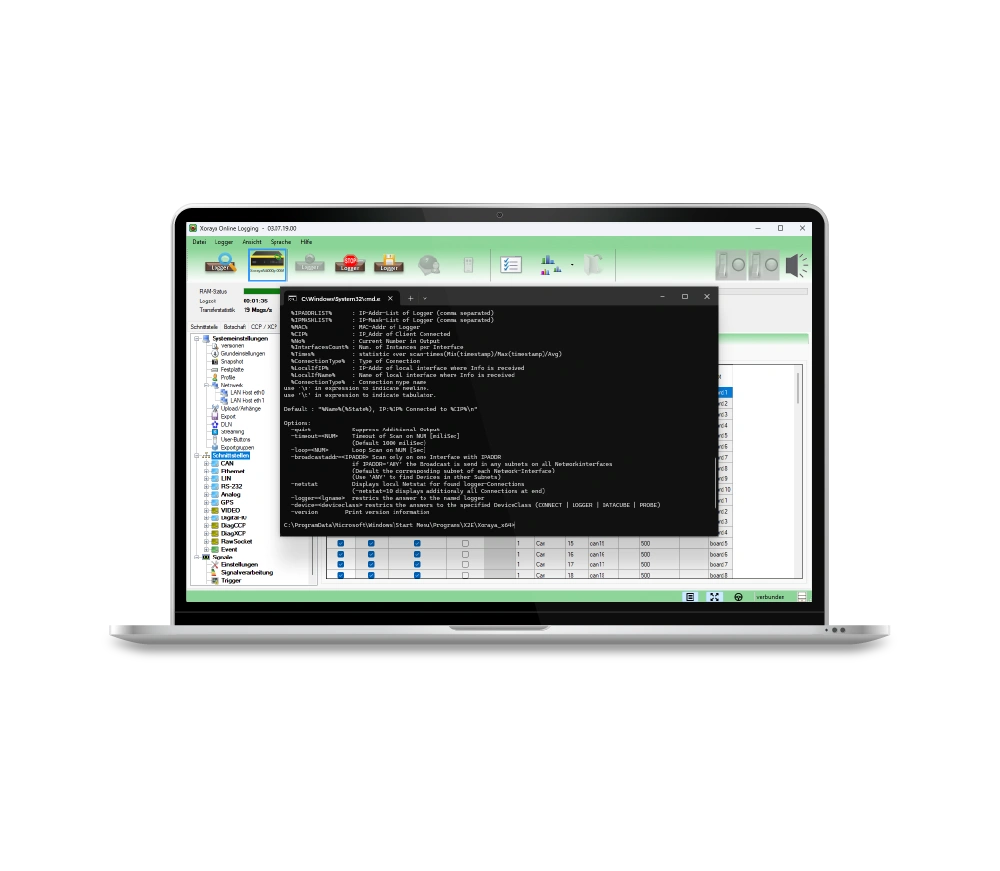
The XORAYA SDK provides a development environment for creating your own software solutions for the XORAYA ecosystem.
- Development of individual software solutions for the XORAYA ecosystem
- Direct access to all data logger functions
- Flexible expansion and customization for project-specific requirements
- Integration into existing systems and automated workflows
| Windows |
|
|---|---|
| Linux |
|
Product details
Product description
The XORAYA SDK is a powerful development environment for creating individual software solutions for the XORAYA ecosystem. It enables direct access to data logger functions and offers flexible interfaces for integration into your own applications. Developers can use it to create customized solutions for specific requirements and automated processes. By supporting common development environments and platforms, the SDK can be efficiently integrated into existing system landscapes.
Features & functions
The XORAYA SDK provides central functions for the development and integration of individual applications in the XORAYA ecosystem.
- Native C++ API for direct access to data logger functions
- .NET library for easy integration in C#, Visual Basic and other languages
- Cross-platform use on Windows and Linux
- Integration into existing software solutions and automated workflows
- Extensive API documentation and sample programs for a quick start
Compatibility
The XORAYA SDK is compatible with data loggers of the XORAYA ecosystem and especially supports devices of the newer generations.
Both Windows and Linux-based development environments are supported, enabling flexible integration into different system landscapes.
Areas of application
The XORAYA SDK is used wherever individual software solutions and deep integration of data loggers are required. It is particularly suitable for the development of customer-specific applications that go beyond the standard range of functions.
Typical areas of application are
- Individual tool development: creation of own applications for controlling and evaluating data loggers
- System integration: integration into existing software and IT infrastructures
- Automation: Implementation of automated processes and scripts for measurement and test processes
- Research & development: adaptation to specific requirements in development and test environments
The SDK shows its strengths above all where flexibility, expandability and individual customization are paramount.
Project-specific adaptations
The XORAYA SDK is specially designed to enable project-specific adaptations and individual extensions. Direct access to the interfaces and functions of the data loggers means that customized applications can be tailored precisely to the respective measurement task and system environment.
In addition, customer-specific requirements such as own data processing logics, special export formats or individual control mechanisms can be flexibly implemented. The SDK therefore offers maximum freedom during development and enables seamless integration into existing processes and systems.
Technical data
Here you will find a clear and compact summary of all the technical data.
Product specification
| Components |
|
|---|---|
| Functions |
|
System requirements
| Windows |
|
|---|---|
| Linux |
|
FAQ
In this FAQ you will find answers to frequently asked questions about the XORAYA SDK. It provides helpful tips for the efficient use of the software.
When is the XORAYA SDK typically used?
The XORAYA SDK is used for the development of individual software solutions, especially when data loggers are to be integrated into own applications, automated processes are to be implemented or special requirements beyond the standard functional scope are to be realized.